Resources
Take Your Assessment
Input your Test ID and click the button below.
Error message long long long lon saf sdf asfsd fdsfa dsa fds ffa fa ffa fasf a fsa fsafad
Thank you! Your submission has been received!
Assessment Taker Resources
eSkill provides hard skills tests that help businesses find qualified workers, streamline hiring processes, and improve workforce efficiency.
Have questions about your eSkill assessment?
View our FAQs or contact support below.
Have questions about your eSkill assessment?
View our FAQs or contact support below.
Frequently Asked Questions
Assessment Access
Assessment Assistance
Troubleshooting
SUPPORT
Couldn't find what you're looking for?
Support Request
FAQs
Where are my results?
Please note that eSkill is the hosting site for company testing. We are unable to provide assessment results or scores. If you would like confirmation of your submission, please use the form at the end of the page to request submission confirmation, our team will follow up to verify.
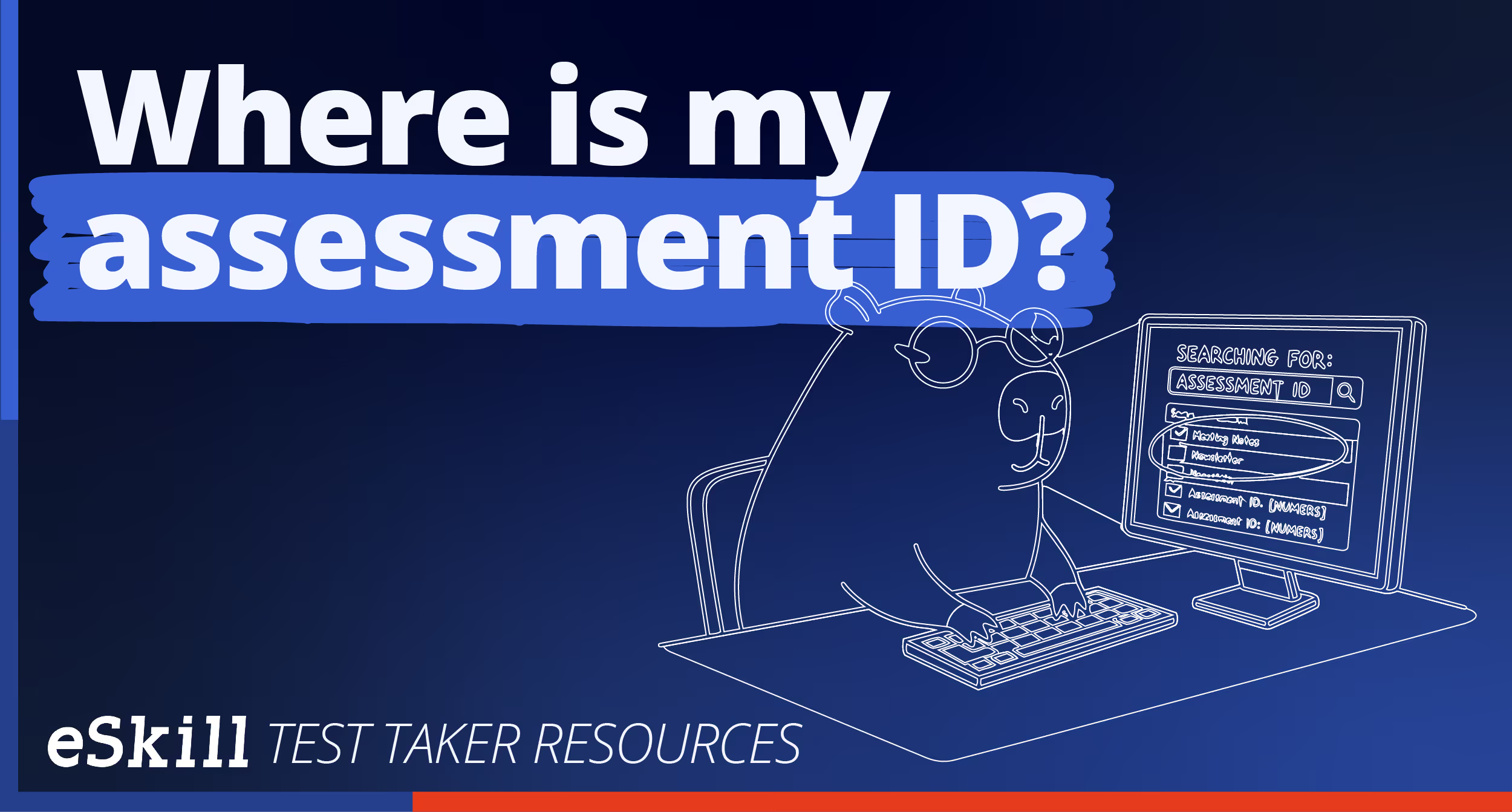
Where is my Assessment ID?
To access your eSkill Assessment, you will need the URL shared via email invitation or the 16-digit alphanumeric code (located at the end of the URL after the '=')
Example: https://es.eskill.com/es/quiz?testId=a0c2e3g4i5k6m7o8
You can copy and paste the URL into a recommended browser (Google Chrome, Microsoft Edge or Firefox) OR enter in your 16-digit code into the login found at www.eskill.com > Take Your Test OR Assessment Taker Resources > Begin assessmentAlso note, eSkill is the hosting site for company testing. We do not issue the invitation or results. Should you have any questions on assessment access, kindly contact the organization that requested you to complete the assessment.
Example: https://es.eskill.com/es/quiz?testId=a0c2e3g4i5k6m7o8
You can copy and paste the URL into a recommended browser (Google Chrome, Microsoft Edge or Firefox) OR enter in your 16-digit code into the login found at www.eskill.com > Take Your Test OR Assessment Taker Resources > Begin assessmentAlso note, eSkill is the hosting site for company testing. We do not issue the invitation or results. Should you have any questions on assessment access, kindly contact the organization that requested you to complete the assessment.
Can I retake the test?
eSkill is the site for company testing, we do not issue the assessment invitation or assessment results. Should you have any questions on retaking the assessment, kindly contact the organization that requested you to complete the assessment for additional information.
What do I do if my test expired?
Some assessments or invitations are set with an activation/expiration window. If this is the case and you enter your assessment outside the provided test ‘window’, it is possible your assessment will appear ‘inaccessible’. Please review the instructions for additional information on the availability of the assessment.
Also note, eSkill is the hosting site for company testing. We do not issue the invitation or results. Should you have any questions on assessment access, kindly contact the organization that requested you to complete the assessment.
I'm having internet issues.
Load time issues on assessments are commonly caused by a slow Internet connection or the computer you’re using. Please follow these steps to troubleshoot the problem:
- Clear the cache, cookies, and history from your browser. Then close the browser and reopen it.
- When you’re taking the test, make sure that all other applications that use your internet connection are closed.
For the best compatibility and performance, we suggest using Google Chrome.
- Try taking the test using a different Internet browser.
- Try connecting your device to the network directly via a hardwired connection.
- Make sure that all browser settings meet the software system requirements.
If none of the recommendations solve your loading issues, please try to take the test using a computer with a faster Internet connection.
- Clear the cache, cookies, and history from your browser. Then close the browser and reopen it.
- When you’re taking the test, make sure that all other applications that use your internet connection are closed.
For the best compatibility and performance, we suggest using Google Chrome.
- Try taking the test using a different Internet browser.
- Try connecting your device to the network directly via a hardwired connection.
- Make sure that all browser settings meet the software system requirements.
If none of the recommendations solve your loading issues, please try to take the test using a computer with a faster Internet connection.
Decorated with 100+ awards and counting